
Best AI Meeting Assistants in 2026 (And the Lawsuits You Should Know About First)
Otter.ai is defending four consolidated federal lawsuits over recording without consent. Fireflies.ai faces two separate biometric privacy suits in Illinois. Before you pick a meeting assistant, here's what those cases actually mean for how you deploy one.
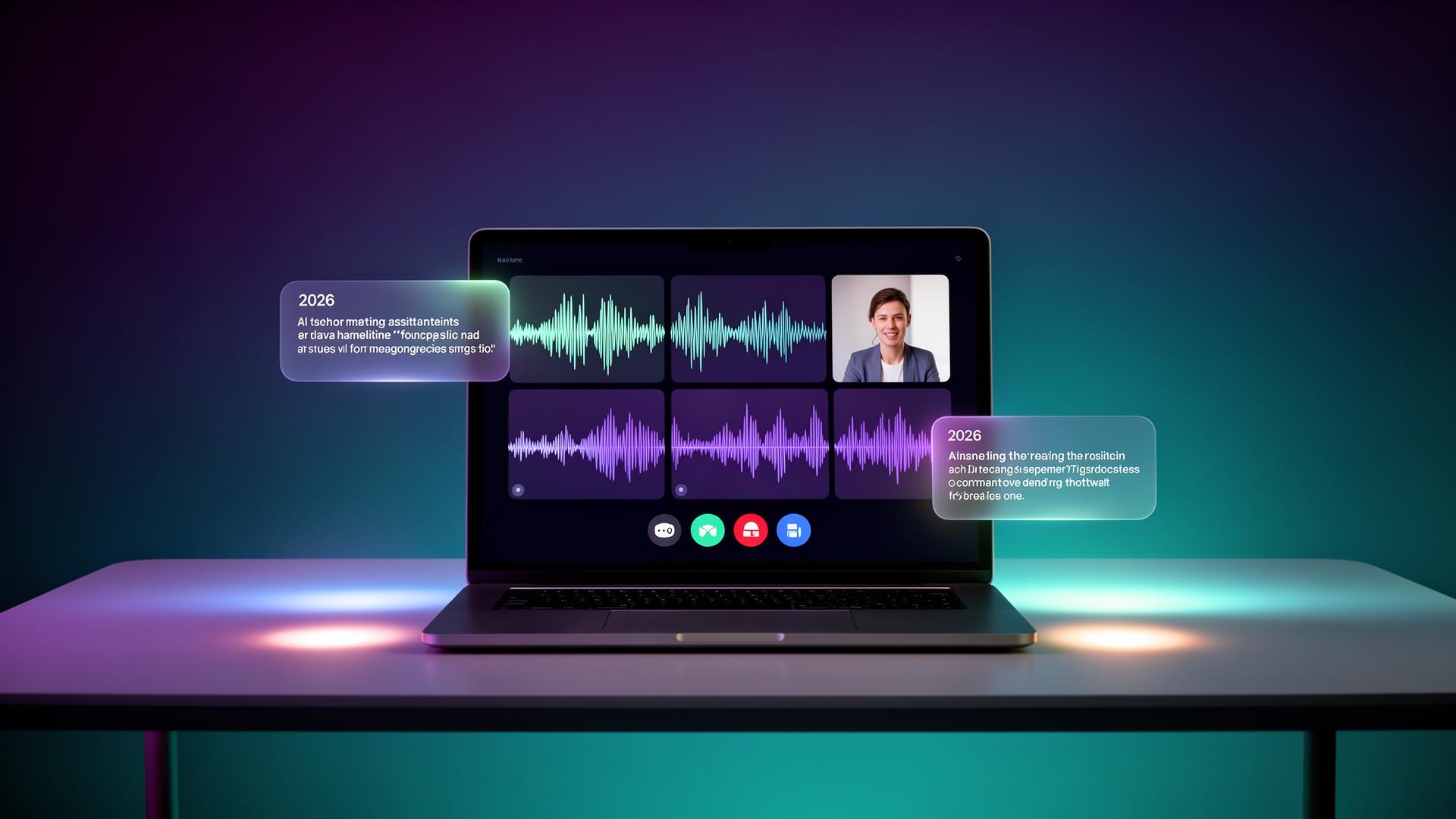
Before comparing features, there's something worth knowing that most "best AI meeting assistant" roundups skip entirely: the category's most widely used tool is currently defending itself in federal court over exactly how it does what it's designed to do. In re Otter.AI Privacy Litigation consolidates four federal lawsuits filed in August and September 2025, alleging that Otter's auto-join feature records participants — including people who never had an Otter account and never agreed to anything — without adequate consent. On August 13, 2026, Judge Eumi K. Lee ruled on Otter's motion to dismiss, granting it in part and denying it in part, meaning the core claims are moving forward rather than being thrown out. Separately, Fireflies.ai faces two distinct biometric privacy suits in Illinois federal court under the state's Biometric Information Privacy Act (BIPA), specifically over voiceprints used for speaker identification.
None of this means these tools are illegal to use — no court has ruled that yet, and the litigation is still working through the system. But it does mean the real question for 2026 isn't just "which meeting assistant has the best transcript accuracy." It's "which one fits how consent actually needs to work in the states and countries where your meetings happen," and that's a genuinely different comparison than most reviews run.
Why this is legally more complicated than it sounds
Thirteen U.S. states require all-party consent before a conversation can be recorded — meaning every single participant has to agree, not just the person who invited the bot. California's Invasion of Privacy Act (CIPA) applies whenever a California resident is on the call, regardless of where the recording party is based, which effectively makes California compliance a nationwide concern for any team with remote employees. Under GDPR, a meeting recording becomes personal data the instant an identifiable person speaks or is named in a transcript, and explicit consent is considered the weakest legal basis for workplace recording specifically because regulators question whether an employee can genuinely decline without professional consequence — fines under GDPR reach €20 million or 4% of global revenue.
Attorney Joseph Lazzarotti, writing for the Jackson Lewis Workplace Privacy Report, described the core issue in the Otter litigation directly: the complaint frames the tool as "an unauthorized third-party eavesdropper," and called Otter's single-consent model "risky in states like California that require all-party consent." Otter's public position, per its terms of service, places the consent burden on the account holder deploying the bot — not the tool itself. Whether that framing holds up legally is precisely what the ongoing case is testing.
Otter.ai: still the transcription leader, now with real legal exposure to know about
Otter.ai remains genuinely strong on live transcription and searchable cross-meeting AI Chat — nothing about the pending litigation changes what the product technically does well. What's changed is the due diligence worth doing before deploying it broadly: if your team operates in any of the 13 all-party consent states, or has participants based in California regardless of where your company is headquartered, a verbal heads-up alone is a weaker legal position than a pre-meeting consent screen participants have to actively interact with before the bot joins.
Granola: the bot-free design sidesteps a real chunk of this problem
Granola's core design — capturing your own device's system audio and enhancing notes you're already typing, rather than joining as a visible recording participant — is structurally different from the exact pattern being litigated against Otter and Fireflies. It doesn't eliminate every consent question (recording audio of a call is still recording, regardless of whether a bot visibly joins), but it avoids the specific "unauthorized third-party eavesdropper" framing that's central to the current lawsuits, since there's no separate bot entity auto-joining and announcing itself.
Fathom: transparent by design, still worth a consent habit
Fathom's free, unlimited recording is genuinely generous, and its bot joins visibly and announces itself in the participant list — which is actually a point in its favor on the consent question specifically, since visibility is a meaningful part of what courts are evaluating in the current cases. That said, visibility alone in a one-party state doesn't satisfy an all-party consent requirement elsewhere; the practical habit that protects you regardless of which tool you use is the same either way.
A consent habit that works regardless of which tool you pick
Legal commentary across the 2026 cases converges on the same practical minimum, independent of any single product's specific design: tell every participant a recording is happening and give them a real, active opportunity to decline before it starts — not a buried mention in a calendar invite nobody reads. A pre-meeting consent screen participants have to click through is a meaningfully stronger position than a verbal mention at the top of a call, and documenting that consent (not just obtaining it) matters specifically because "we said something at the start" is exactly the defense currently being tested and not yet resolved in federal court.
Choosing based on your actual situation
| Your situation | What to prioritize | Why |
|---|---|---|
| Team entirely in one-party consent states, US only | Feature comparison matters most | Lower legal complexity, pick on transcript quality and integrations |
| Any remote workers in California or 13 all-party states | Explicit, documented consent screens | CIPA and all-party consent apply regardless of your HQ location |
| Operating with EU/UK participants | Written consent basis, retention policy | GDPR treats recordings as personal data from the moment someone speaks |
| Handling healthcare conversations | Confirm a signed Business Associate Agreement exists | Required whenever Protected Health Information is discussed |
Final thoughts
The AI meeting assistant category didn't get worse in 2026 — the tools transcribe and summarize better than ever. What changed is that the legal framework around consent, written for telephone wiretaps decades before any of this existed, is now being tested directly against how these tools actually operate, and the outcome isn't settled yet. Pick a tool based on the features you need, but build the consent habit into your process regardless of which one you choose — it's the one thing every version of this ongoing litigation agrees is the actual question, whatever a court eventually decides about any specific product's design.
This article describes ongoing litigation and general legal information as of August 2026, not legal advice. Consult a qualified attorney for guidance specific to your organization and jurisdiction.
Nina Park is a productivity lead at ToolVerse AI, covering AI tools and the future of software. Nina has been writing about AI since 2022 and personally tests every tool covered in this guide.
- Hands-on AI tester
- Covers AI since 2022
- ToolVerse AI editorial team
Frequently asked questions
Our verdict on this ai-productivity guide
The ToolVerse AI editorial team evaluated every tool and claim in "Best AI Meeting Assistants in 2026 (And the Lawsuits You Should Know About First)" against five criteria, with hands-on testing, source-checking and a quarterly accuracy review.
- Ease of useOnboarding flow, UX clarity and time-to-first-value.4.7
- Features & depthBreadth of capabilities vs. category benchmarks.4.9
- Pricing valueFree-tier generosity and price-to-output ratio.4.6
- PerformanceSpeed, reliability and output quality in real tests.4.5
- Support & docsHelp center, response times and community resources.4.1
How we evaluate AI tools
Every product on ToolVerse AI is independently tested by our editors. We sign up, complete the same real-world tasks across each tool in a category, document the experience, and compare against direct competitors. We don't accept payment for rankings, and affiliate relationships never influence editorial scores. Scores are reviewed quarterly to reflect new features, pricing changes and user feedback.
Related articles
15 AI Tools for Productivity in 2026 (Save 10+ Hours/Week)
The AI productivity stack that actually saves knowledge workers hours every week in 2026 — with the real pricing changes and ownership shifts most roundups miss.
Best AI Podcast Tools in 2026 (Recording to Growth)
Creators with bigger audiences are nearly twice as likely to already use AI for their show. The text-based editing shift alone is cutting post-production time by 60-70% for creators who've adopted it. Here's the actual pipeline, stage by stage.

AI Agents Explained: What They Actually Are in 2026
88% of companies use AI. Only 23% have actually scaled an agentic system past the pilot stage. Here's what an AI agent actually is, why that gap is so wide, and which tools are worth trying at your own pace.