
The AI Tool Sprawl Problem: Why Your Business Is Probably Paying for the Same Feature Three Times
Many small teams now run five or more AI subscriptions that quietly overlap. Here is how tool sprawl happens, what it costs, and a simple quarterly audit so you stop paying for the same job twice.
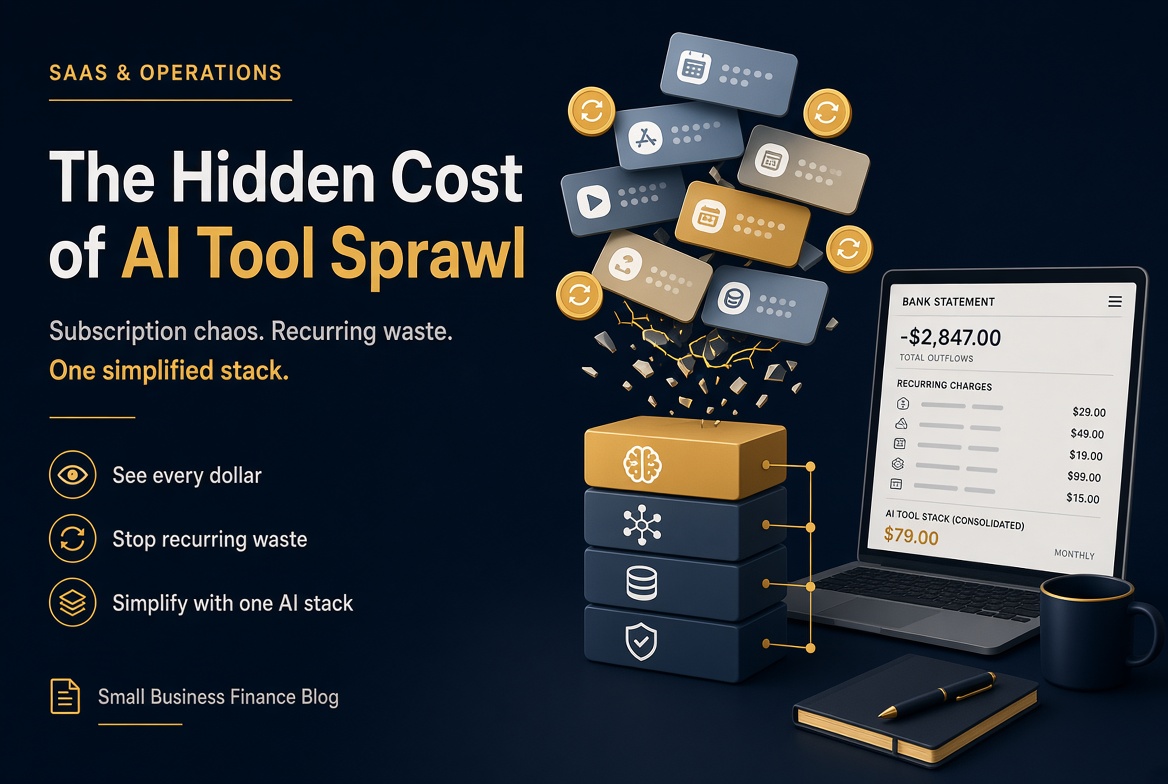
Open a bank statement from any busy quarter and the pattern is familiar. Chat assistant. Meeting note taker. Writing tool you signed up for during a content sprint. Automation platform someone on the team needed for one workflow. Image generator. Maybe a second meeting tool because the first one did not play nicely with Zoom.
None of those charges looks serious alone. Twenty dollars here, thirty there. Together they become a quiet second rent: often a few hundred dollars a month for capabilities that sit on top of each other.
That is AI tool sprawl. It is not a failure of ambition. It is what happens when every useful feature ships as a separate subscription and almost none of them need a purchase order.
Why AI stacks bloat faster than ordinary software
Classic software sprawl already existed. AI made the same habit easier.
A card and an email are enough to start. There is no demo cycle, no IT ticket, no shared decision. The trial ends, the charge continues, and the tool stays because canceling feels like admitting the experiment failed.
Vendors also ship AI inside products you already pay for. Your CRM drafts emails. Your design suite generates images. Your meeting app summarizes calls. When a standalone tool arrives with a sharper pitch for the same job, the old feature does not disappear from the bill. You just stack another one next to it.
Surveys and spend reports through 2026 keep landing in a similar range for small firms: often around a handful of AI tools in active use, with monthly outlay commonly somewhere between about $100 and $500 once you add seats and specialist apps. Revolut Business data on business accounts in 2026 put average AI-related spend for firms with one to ten employees around a few hundred dollars a month when subscriptions, credits and related usage are counted together. The exact number on your statement matters less than the shape of the problem: several line items, overlapping jobs, weak ownership.
The jobs people pay for twice (or three times)
Overlap is predictable. It clusters around a few workflows every small team tries to automate first.
Before you add another writing or automation product, compare what you already own in the same lane. Our AI Writing and AI Automation category pages exist for that check: same job, different tools, side by side, before another renewal hits the card.
A quarterly audit you can finish in one afternoon
You do not need a procurement committee. You need a list and four honest questions.
Export or scroll the last 90 days of card charges. Write every AI-related line: chat, writing, meetings, images, automation, “AI add-on” inside a bigger product.
Next to each name, answer: when did someone last use this for real work? If the answer is “not this quarter,” it is a candidate for cancel, not for loyalty.
Ask which workflow it owns. If two tools both claim “draft client email” or “transcribe the call,” keep the one people open without being asked. Drop the other.
Ask whether the same capability already lives inside software you will keep anyway. CRM AI, Workspace or Microsoft assistants, and meeting-app summaries remove a surprising number of standalone bills.
Finally, write a kill rule before the next signup: one new AI subscription only replaces a named tool or a named gap. No “we might need it later.”
That discipline is cheaper than another year of parallel seats. The longer cost of a bad fit is not only the fee; it is the time and trust you burn switching again. We covered that side in the hidden cost of choosing the wrong AI tool.
What a tighter stack usually looks like
Most small teams do not need a dozen AI logos. They need clear ownership.
One general assistant for drafting, explaining and light analysis. One place for meetings if transcripts matter. One automation system if you connect tools. One design or image path if you publish visuals often. Everything else should earn its place with weekly use, not with a launch-week login.
If you are still choosing rather than cutting, how to choose the right AI tool for your business is the decision frame. If the question is upgrade versus free tier, free vs paid AI tools helps you avoid paying for headroom you never touch.
Directories like ours are not there to help you subscribe to everything in a category. They are there so you can see, in one pass, that three products sell the same job before your card does.
Final thoughts
AI tool sprawl is rarely dramatic. It is a row of small charges that never get reviewed together. The fix is boring on purpose: list the tools, map the jobs, cancel the duplicates, and refuse the next signup until it replaces something or fills a gap you can name.
Before you add another subscription, open the full categories index, find the job you already pay for, and compare. If nothing on the list beats what you use today, keep your money. If something does, switch once. Do not stack.
Your stack should get quieter over time, not louder.
Nina Park is a productivity lead at ToolVerse AI, covering AI tools and the future of software. Nina has been writing about AI since 2022 and personally tests every tool covered in this guide.
- Hands-on AI tester
- Covers AI since 2022
- ToolVerse AI editorial team
Frequently asked questions
Our verdict on this business guide
The ToolVerse AI editorial team evaluated every tool and claim in "The AI Tool Sprawl Problem: Why Your Business Is Probably Paying for the Same Feature Three Times" against five criteria, with hands-on testing, source-checking and a quarterly accuracy review.
- Ease of useOnboarding flow, UX clarity and time-to-first-value.4.4
- Features & depthBreadth of capabilities vs. category benchmarks.4.6
- Pricing valueFree-tier generosity and price-to-output ratio.4.7
- PerformanceSpeed, reliability and output quality in real tests.4.5
- Support & docsHelp center, response times and community resources.4.8
How we evaluate AI tools
Every product on ToolVerse AI is independently tested by our editors. We sign up, complete the same real-world tasks across each tool in a category, document the experience, and compare against direct competitors. We don't accept payment for rankings, and affiliate relationships never influence editorial scores. Scores are reviewed quarterly to reflect new features, pricing changes and user feedback.
Related articles

The Hidden Cost of Picking the Wrong AI Tool in 2026
The average company wastes $18-21 billion a year on unused software licenses. AI-native tools now carry the single highest waste rate of any category — and the least governance maturity to catch it. Here's what actually drives that number, and how to stay out of it.

How to Choose the Right AI Tool for Your Business in 2026 (A Complete Framework)
IBM found that only 16% of AI initiatives ever scale beyond a pilot. A 2026 APA study found something stranger underneath that number: people accept an AI's recommendation even when it contradicts what they already know, purely because it's labeled 'AI-generated.' Here's a complete, step-by-step framework for how to choose the right AI tool for your business — one that accounts for both problems.

Free vs Paid AI Tools: When Is It Actually Worth Paying?
AI model costs have collapsed in 2026 — but 65% of AI tools still charge you anyway. Here's the real framework for deciding when a subscription pays for itself, and when it's just a habit.
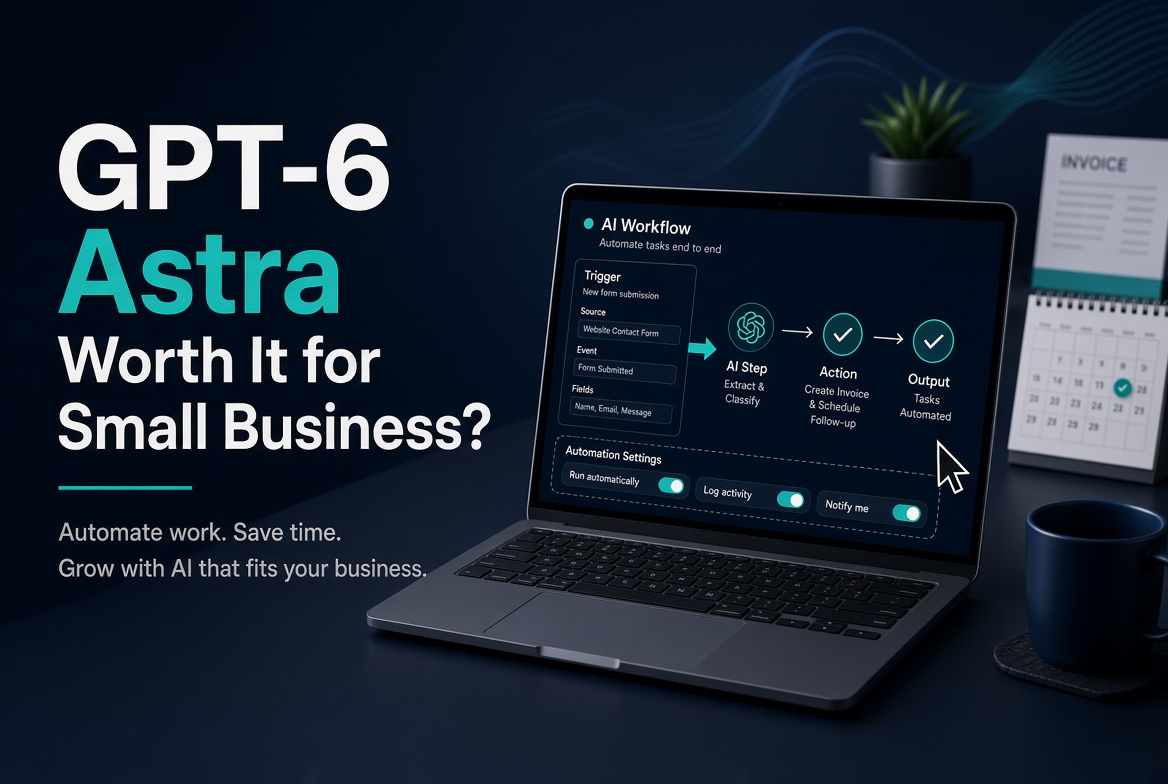
GPT-6 Astra for Small Business Owners: Is the $100/Month Pro Plan Actually Worth It Right Now?
OpenAI's GPT-6 Astra can operate a computer, not only chat. For a solo founder on a tight budget, the real question is whether the $100 Pro plan's limited weekly messages justify the jump from Plus — or whether cheaper agents cover the same jobs.