
10 Free AI Tools for YouTube Shorts in 2026
Make polished YouTube Shorts without a camera, a mic, or an editing background — using free AI tools for scripts, voiceovers, B-roll, and editing. Includes what YouTube's 2025 policy change means for your channel.
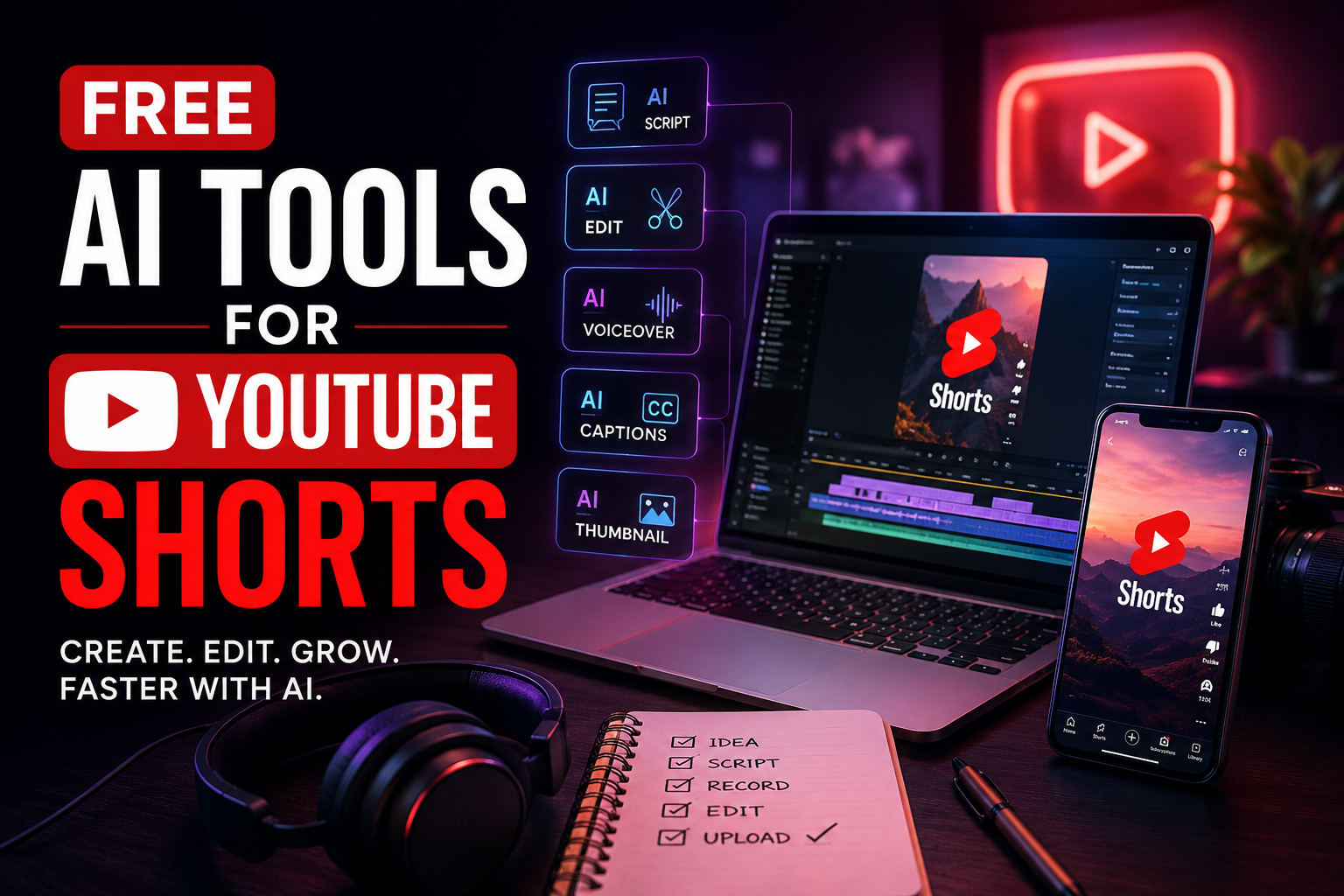
YouTube Shorts now pulls in over 200 billion views a day, and faceless channels — ones where nobody ever appears on camera — made up 38% of new creator monetization ventures in 2026, up from just 12% in 2022. AI voice, automated editing and generative B-roll have made that shift possible, and you genuinely don't need a studio, a decent mic, or your own face to publish something that looks professional.
One thing worth knowing before you build a whole channel around this: YouTube's July 2025 policy update explicitly targets "inauthentic content" — mass-produced, template-based videos with zero creative input are no longer eligible for monetization. That doesn't mean AI tools are banned; it means the tools below need to serve an actual idea, not replace having one. Here are the ten free tools that hold up under that standard.
1. ChatGPT — for hooks that actually stop the scroll
The first 1-2 seconds decide whether someone keeps watching or swipes away, and ChatGPT is genuinely good at generating 10-15 hook variations for the same script idea in seconds. The free tier's now-unlimited text chat is more than enough for this — you don't need a paid plan just to brainstorm openings.
The trap to avoid: don't ask ChatGPT to write the entire script generically. Feed it your actual angle, your actual data point or story, and ask it to sharpen the hook around that — generic AI-written scripts are exactly the kind of content YouTube's 2025 policy is designed to catch.
2. ElevenLabs — for voiceovers that don't sound robotic
ElevenLabs remains the benchmark for AI voice realism, and its free tier gives you 10,000 credits a month — roughly 10 minutes of speech, enough for several short scripts before you need to consider a paid plan. For a faceless channel specifically, voice quality is doing most of the work that a real presenter's face and tone would otherwise handle, so this is the one tool on this list worth spending real time picking the right voice for.
3. Runway — for B-roll you can't film yourself
Runway generates short video clips from a text prompt or reference image, useful for filler shots between cuts — a city skyline, an abstract concept, a scene you'd otherwise need stock footage for. Its free tier gives limited watermarked credits, enough to test whether generative B-roll fits your specific niche before paying. Runway now also hosts third-party models like Veo and Kling alongside its own Gen-4.5, so even the free tier gives you a taste of multiple generation styles.
4. CapCut — for editing, captions and trend templates
CapCut remains free for genuine manual editing — multi-track timeline, transitions, chroma key, and auto-captions with no watermark, which covers most of what a Shorts editor actually needs. Worth knowing: CapCut restructured its pricing in 2026, and the advanced AI toolkit (camera tracking, vocal isolation, AI voice effects) now sits behind a $19.99/month Pro tier — roughly double the old price. For straightforward cutting, captioning and trend-template editing, the free tier still covers it.
5. Google Gemini — for research and fact-checking your script
Before you voice a script, run any factual claims through Gemini or a search-grounded tool to catch errors before they're in a video with your channel's name on it. Faceless finance and history channels especially get called out fast in comments for confidently wrong facts — a two-minute fact-check step is cheap insurance against a comment section turning against you.
6. Perplexity — for finding real sources on a topic fast
If your Short covers a real event, statistic, or news item, Perplexity gives you cited sources in seconds rather than requiring a separate research session across ten browser tabs. Its free tier is genuinely sufficient for this — you don't need Pro just to verify a script's claims before recording.
7. Canva — for thumbnails that match your channel's look
Consistent, recognizable thumbnails build channel identity even when there's no face to recognize. Canva's free tier covers basic thumbnail templates, and its Magic Studio AI features (background removal, quick resizing) speed up producing a batch of consistent thumbnails in one sitting rather than starting from scratch each upload.
8. Leonardo AI — for channel art and thumbnail backgrounds
Leonardo AI's free tier gives 150 daily tokens — enough for roughly 25-37 images a day — useful specifically for generating stylized backgrounds or illustrative elements for thumbnails when a stock photo doesn't fit your channel's aesthetic. It's a solid complement to Canva rather than a replacement for it.
9. Otter.ai — for turning a voice memo into a script draft
If you think better out loud than typing, record a rough voice memo of your idea and let Otter.ai's free tier (300 transcription minutes/month) turn it into text you can then shape into a script. This sounds minor but genuinely speeds up the ideation-to-script pipeline for creators who script better by talking through an idea first.
10. DeepL — for translating a Short into a second language
If you're testing multilingual distribution, DeepL's free tier handles short-form translation with more natural phrasing than most alternatives, which matters more than it sounds for a 30-second script where every word choice affects pacing and hook timing.
The realistic free stack
You don't need all ten running on every video. A workable, entirely free pipeline looks like: ChatGPT for the hook and script structure, ElevenLabs for the voiceover, CapCut for editing and captions, and Canva for the thumbnail. That covers script-to-published-video without touching a paid tier, and it's genuinely enough to test whether a niche has an audience before spending anything.
| Tool | Job | Free tier limit |
|---|---|---|
| ChatGPT | Hooks & scripts | Unlimited text chat |
| ElevenLabs | Voiceover | 10,000 credits/mo (~10 min) |
| Runway | B-roll | Limited watermarked credits |
| CapCut | Editing & captions | Full manual editor, free |
| Canva | Thumbnails | Basic templates + Magic Studio |
| Leonardo AI | Thumbnail art | 150 daily tokens |
Why the "inauthentic content" policy actually matters here
It's tempting to treat this list as a fully automated pipeline — script generator, voice generator, video generator, upload, repeat. YouTube's 2025 policy update was written specifically to catch that pattern: channels publishing templated, zero-input content at scale are being demonetized even if each individual video looks fine in isolation. The tools above work best as a production assist, not a replacement for an actual angle, actual research, or an actual creative decision about what makes your specific video worth 30 seconds of someone's attention. That's also, not coincidentally, the difference between a channel that survives an algorithm update and one that doesn't.
For a broader creator toolkit beyond just Shorts, see our full guide to AI tools every content creator needs, and if voice quality is your main bottleneck, our AI voice generator comparison goes deeper on ElevenLabs versus its competitors.
Final thoughts
The barrier to publishing a polished Short has genuinely collapsed — script, voice, B-roll and edit, all for $0 if you stay on free tiers. The barrier that hasn't collapsed is having something worth saying. Use these tools to remove the technical friction, not to skip the part where you actually have an angle.
Maya Chen is a creator strategist at ToolVerse AI, covering AI tools and the future of software. Maya has been writing about AI since 2022 and personally tests every tool covered in this guide.
- Hands-on AI tester
- Covers AI since 2022
- ToolVerse AI editorial team
Frequently asked questions
Our verdict on this creators guide
The ToolVerse AI editorial team evaluated every tool and claim in "10 Free AI Tools for YouTube Shorts in 2026" against five criteria, with hands-on testing, source-checking and a quarterly accuracy review.
- Ease of useOnboarding flow, UX clarity and time-to-first-value.4.4
- Features & depthBreadth of capabilities vs. category benchmarks.4.8
- Pricing valueFree-tier generosity and price-to-output ratio.4.7
- PerformanceSpeed, reliability and output quality in real tests.4.7
- Support & docsHelp center, response times and community resources.4.8
How we evaluate AI tools
Every product on ToolVerse AI is independently tested by our editors. We sign up, complete the same real-world tasks across each tool in a category, document the experience, and compare against direct competitors. We don't accept payment for rankings, and affiliate relationships never influence editorial scores. Scores are reviewed quarterly to reflect new features, pricing changes and user feedback.
Related articles
10 AI Tools Every Content Creator Needs in 2026
91% of creators now use AI in their production process — but the ones actually growing aren't the ones using the most tools. Here's the AI content creation stack that holds up in 2026, and the trap most solo creators fall into.
Best AI Voice Generators Online in 2026
AI voices can now fool most humans with 3 seconds of sample audio — which makes choosing a responsible tool, not just a good-sounding one, part of the decision. Here's what to actually pick in 2026.

The 15 Best AI Tools You Should Be Using in 2026
From ChatGPT to Midjourney — here are the AI tools that are actually changing how professionals work in 2026, tested and ranked by the ToolVerse team, with real pricing and honest trade-offs.